 Nice Dreamz
RealTime AI Cam
A camera that tells you what it sees, out loud, offline, on your phone.
- Free
- No ads
- No account
- Works offline
- VoiceOver and TalkBack
Free on iPhone (iOS 17+) and Android (8+). Nothing to buy inside, no subscription.
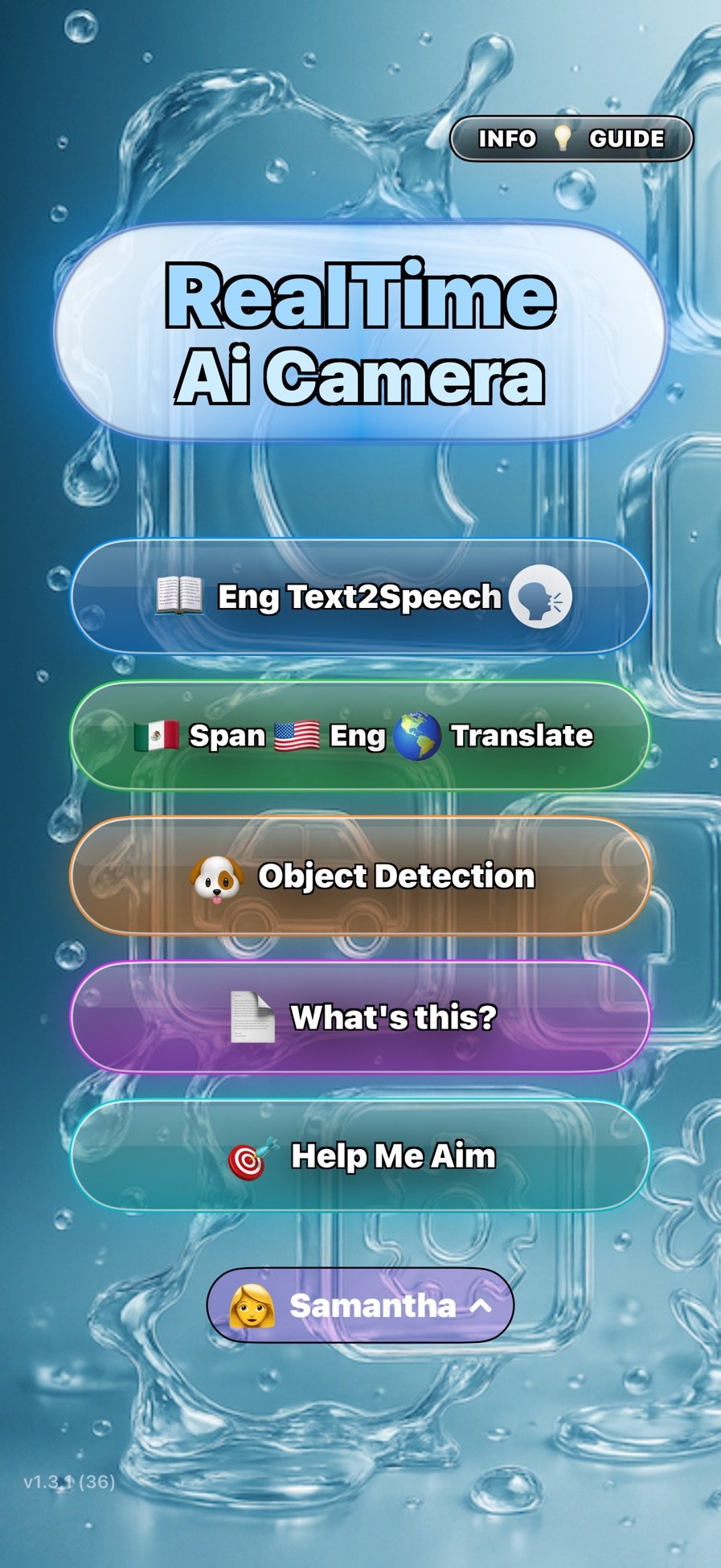
What it does
Press What's this? and the phone talks back.
It speaks one to three plain sentences about what the camera is looking at: where you are, what is near you and on which side, people, anything moving, hazards. Point it at a piece of mail and it leads with what the page is and who sent it, then the amount, then the deadline, then what happens if you ignore it.
That runs on a small vision-language model fine-tuned for this one job, bundled inside the app. No server answers it. It works in airplane mode, in a basement, or abroad without a data plan.
It never refuses a shot. If the photo is dark, blurry or cut off, it says so in a few words and then describes what it can make out anyway.
Who it's for
Built with blind and low-vision people
Screen reader users
Every control is labelled with what it does. One switch hands every spoken line to VoiceOver or TalkBack so you hear your own voice at your own speed.
Anyone sorting mail
Bills and letters get summarized as sender, amount and due date. On iPhone, dollar amounts get a second check before they are spoken.
Travellers and the curious
Read a menu or sign in another language, or hold the phone up and hear what is around you, with no signal needed.
Many features came from requests by the AppleVis community and Blind Android Users testers, credited by name in the project's commit history.
Features
What's in the app
What's this?
Scene, page and mail descriptions from the on-device model. Hold the button to ask a follow-up question by voice; the answer comes first, in one sentence.
Help Me Aim
Say what you want a picture of: a face, a page, or a thing. It tells you which way to move the phone, then takes the shot and can save it with its description as the caption.
Read text
Live reading of printed English, out loud, no shutter press. Numbers, phone numbers and street addresses are spoken the way a person says them.
Translate
Spanish to English with a built-in offline engine. On iOS 18 and later, up to 16 more languages through Apple's translator. On Android, 9 more through Google's on-device packs. Each extra language downloads once, then works offline.
Object detection
601 kinds of objects from the Open Images V7 set, with Indoor and Outdoor modes that change what the detector is allowed to name. Distance to each object on iPhones with LiDAR.
Made for hands-free use
A spoken three, two, one countdown before the photo with a tap you can feel. One-tap flashlight. Any voice installed on the phone. Siri and Shortcuts on iPhone, app shortcuts on Android.
Screenshots
See it work
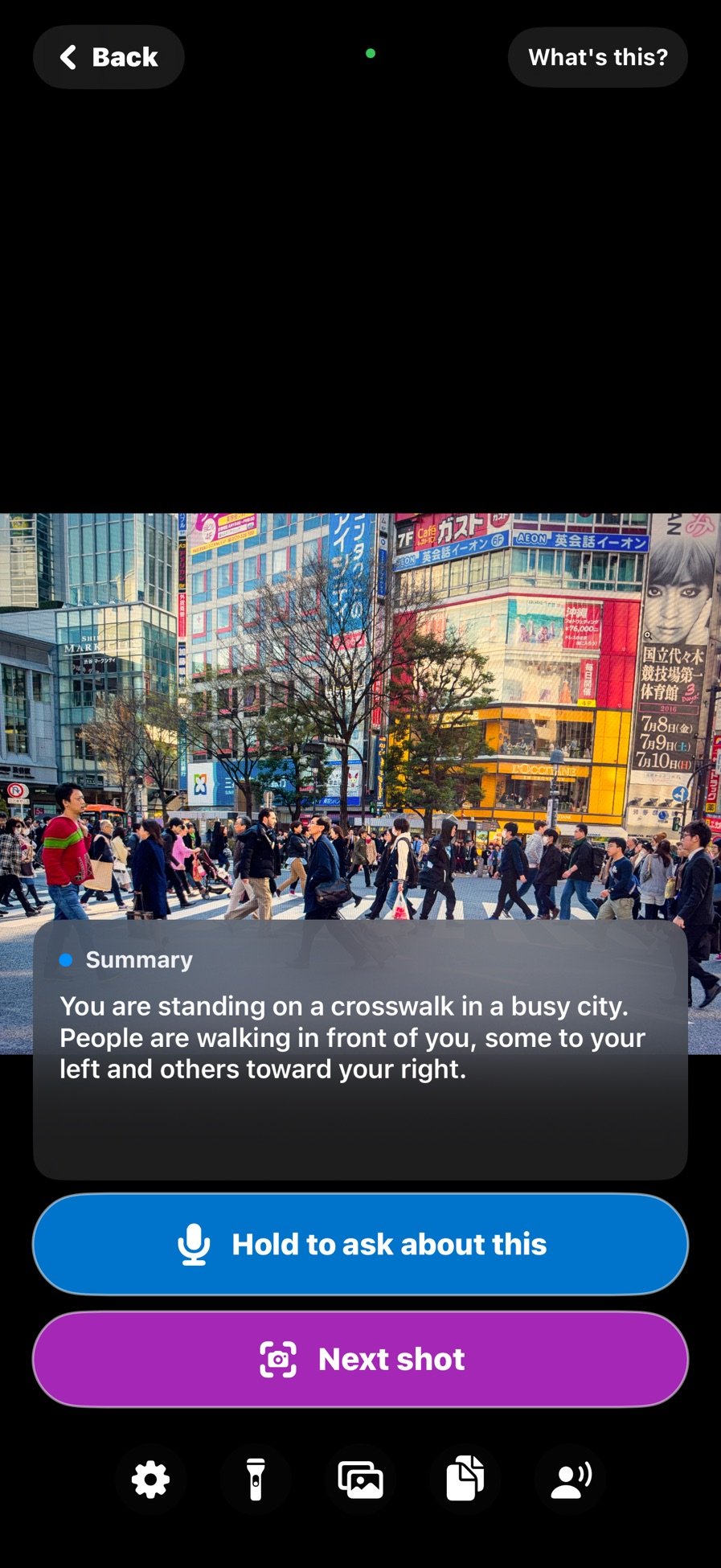
What's this? at a crosswalk 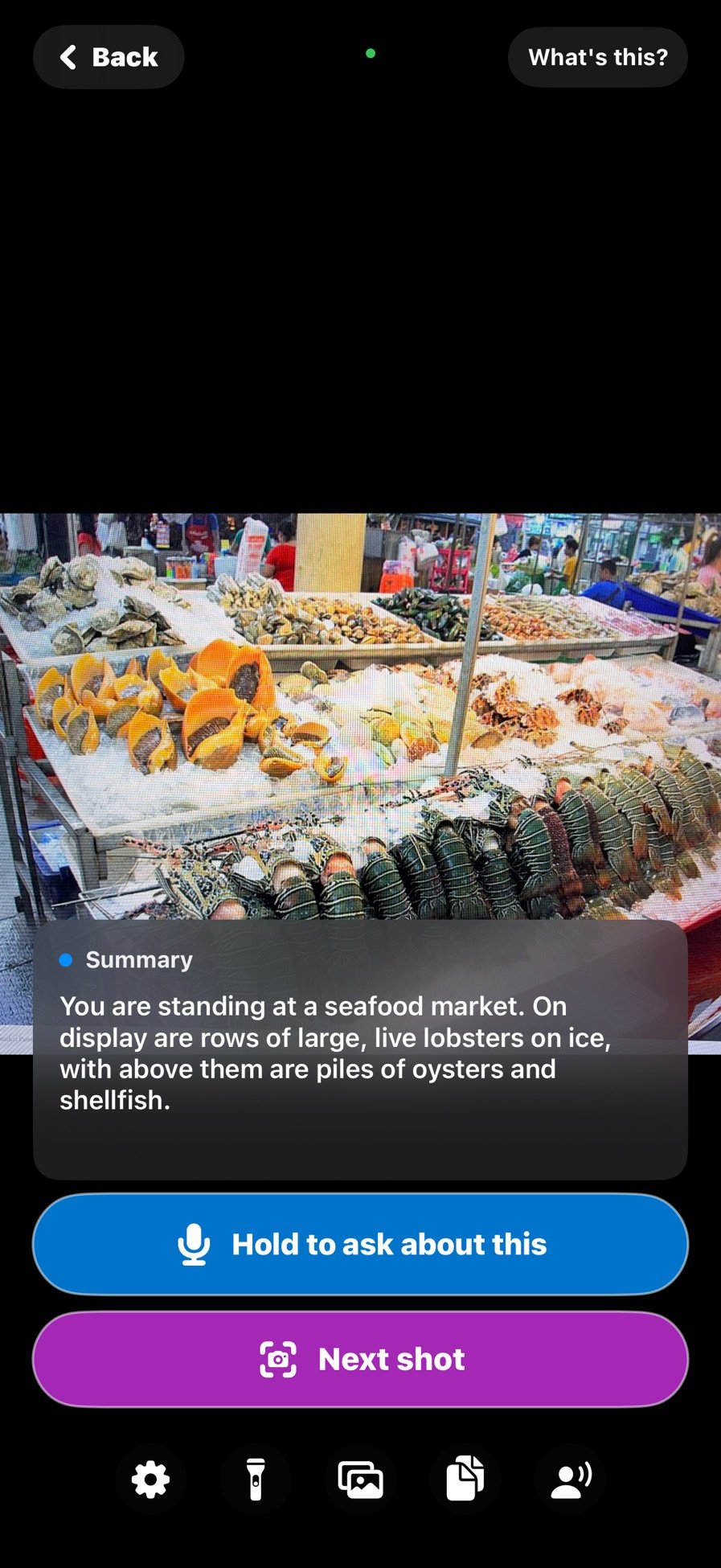
What's this? on a plate of food 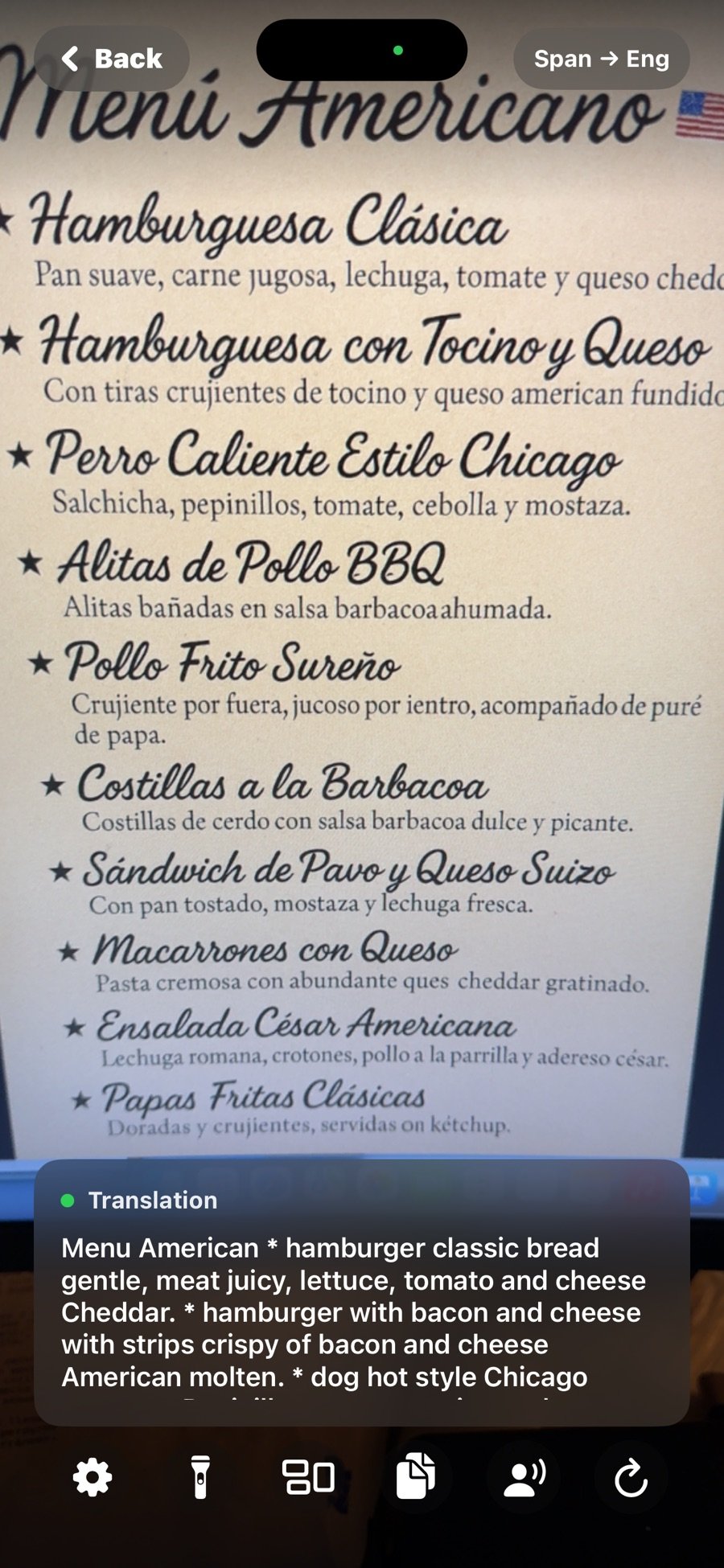
Spanish menu read and translated 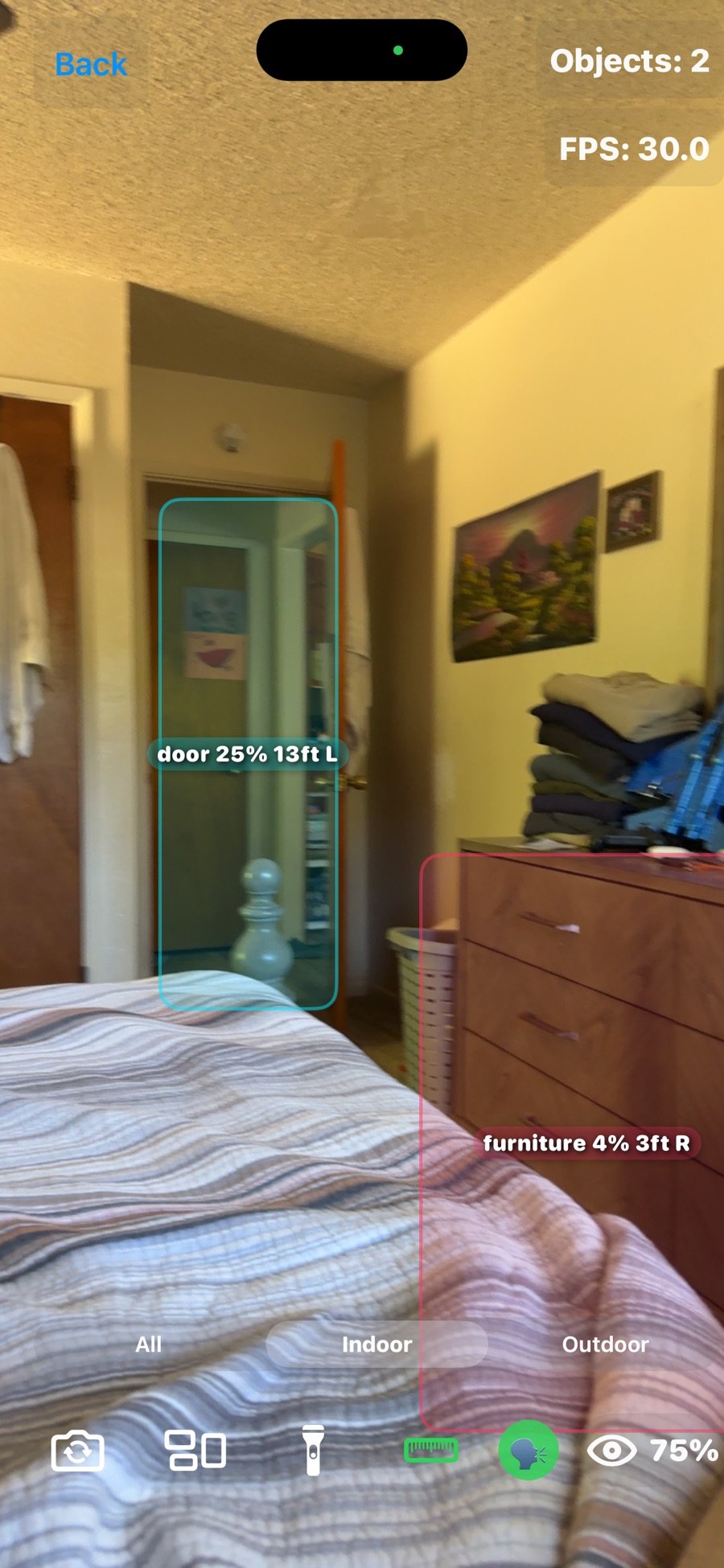
Distance to a door 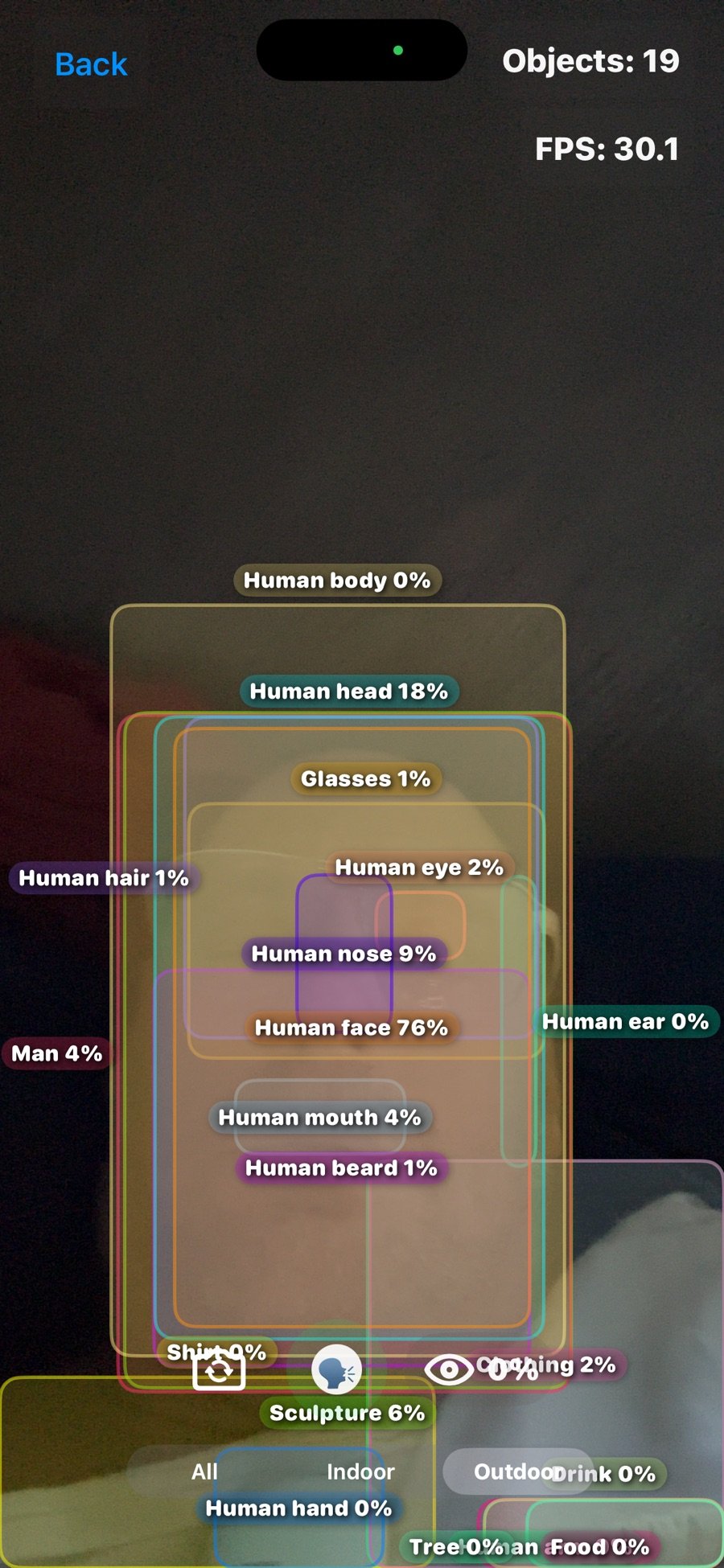
Object detection, 601 classes
Real screen recordings: live detection at a concert, describing a scene, answering a question out loud, reading mail, and Help Me Aim. All offline.
Privacy
Nothing you point it at leaves the phone
- No personal data collected, stored or shared.
- Camera frames are processed on the device and never recorded or sent.
- No accounts, no sign-up, no analytics, no ads, no trackers.
- Microphone and speech recognition are used only while you hold the ask button, and the question is transcribed on the phone.
- Photo library access is add-only, so Help Me Aim can save the pictures it takes.
When the internet is used at all: extra translation languages download once from Apple (iPhone) or Google (Android), then work offline. A build without the description model inside it offers a Download button for it; the App Store and Google Play builds ship with the model. Read the full privacy policy.
FAQ
Questions
How much does it cost?
Nothing. It is free on both stores, with no ads, no subscription and no in-app purchases.
Does it need an internet connection?
No. Detection, reading, Spanish translation and What's this? all run on the phone. The only downloads are optional extra translation languages, once each.
Why is the iPhone download so big?
The description model ships inside the app so it never has to call a server. On iPhone the download is around 700 MB.
Which phones does it run on?
iPhone with iOS 17 or later. Android 8 or later for detection and reading; What's this? needs Android 9 or later on a 64-bit phone. LiDAR distance needs an iPhone Pro with LiDAR. Extra translation languages on iPhone need iOS 18.
How fast is What's this? on Android?
It depends on the phone. The only budget phone timed so far, with a Helio P35 chip, took about 87 seconds per answer. No phone using the GPU path has been timed yet.
Does it work with VoiceOver and TalkBack?
Yes. It was built around them. A setting hands all speech to your screen reader instead of the app's own voice.
Is it open source?
Yes, under AGPL-3.0, the same license as the YOLOv8 detector it uses. The full iOS and Android source is on GitHub. The app name and icon are not licensed.
Built on
Upstream work, credited
Matt Macosko designed and wrote the app. The models and runtimes it uses come from these projects:
- YOLOv8 and YOLOE by Ultralytics (object detection, Help Me Aim)
- Open Images V7 by Google (the 601 object classes)
- Qwen3.5 by the Qwen team (base of the fine-tuned description model)
- MLX Swift and mlx-swift-lm by Apple's ml-explore team (runs the model on iPhone)
- swift-transformers by Hugging Face (tokenizer on iPhone)
- llama.cpp by ggml-org (runs the model on Android)
- Core ML, Vision, ARKit and Apple Translation by Apple; TensorFlow Lite and ML Kit by Google
Press and questions
Review codes are not needed, the app is free. For screenshots, a demo or an interview, write to:
info@nicedreamzwholesale.com